

- Power on the device
- Select country and language, configure keyboard layout
- Connect to the internet
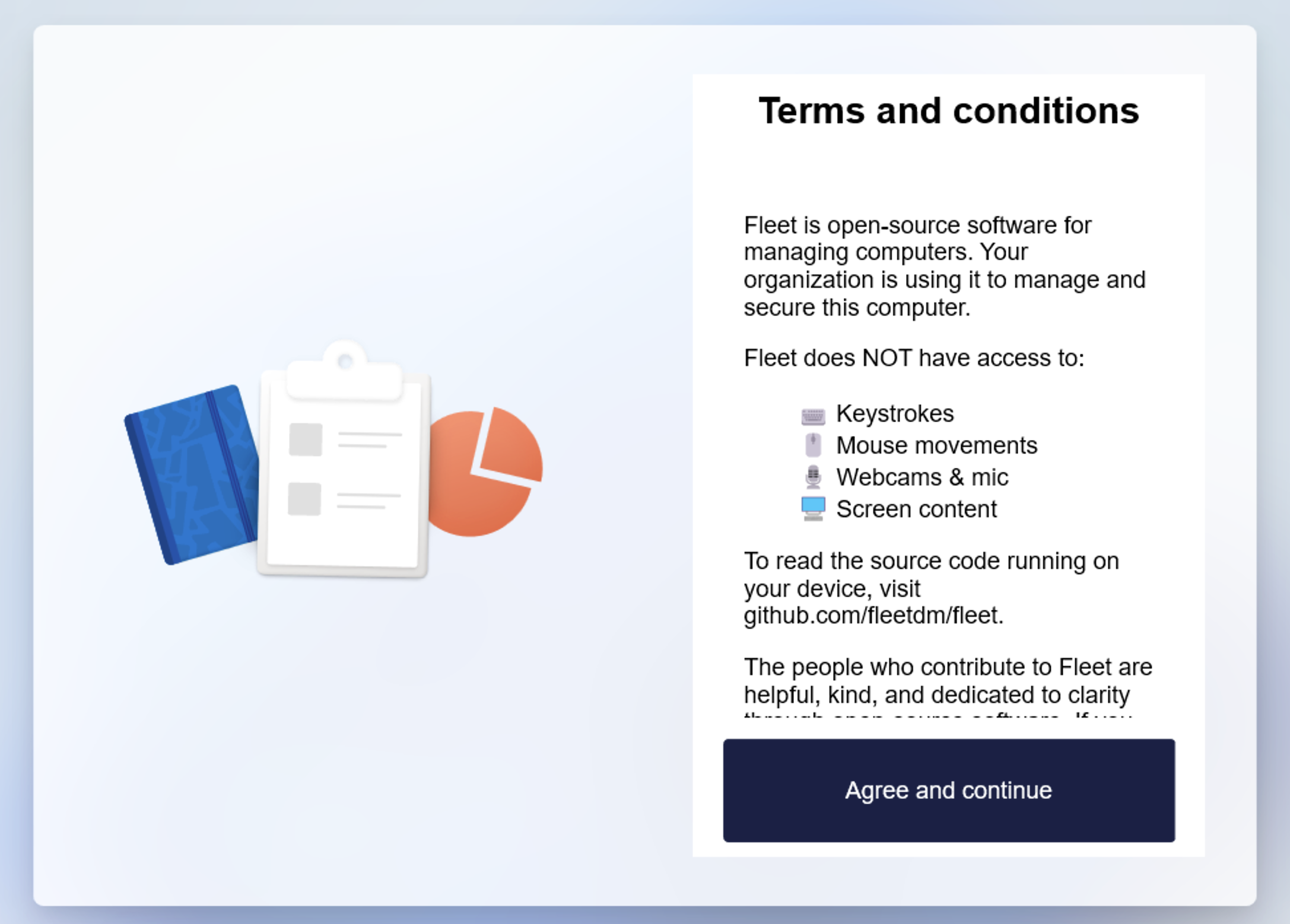
- Accept FleetDM terms and conditions
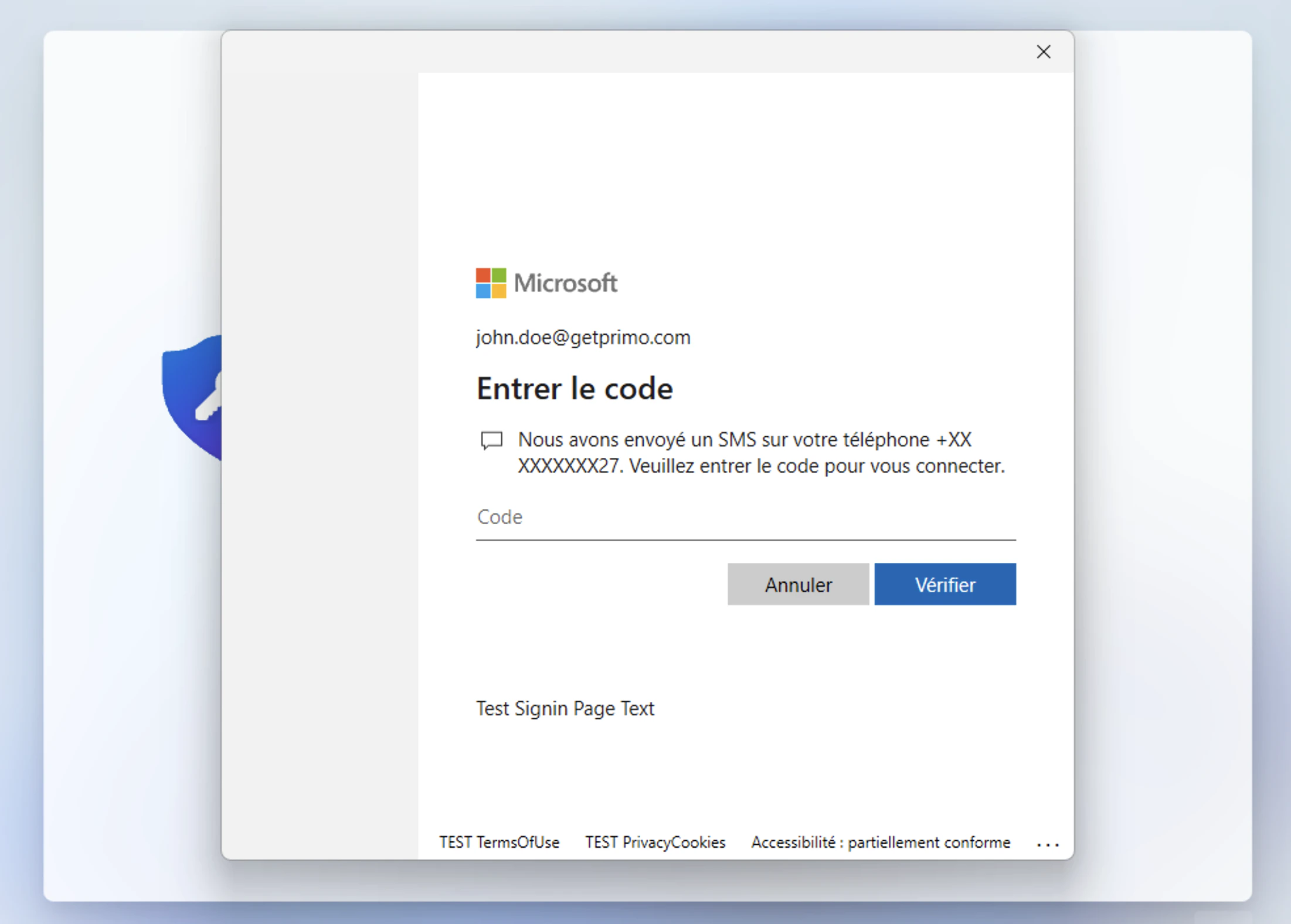
- Sign in with Microsoft credentials (+ 2FA if enabled)
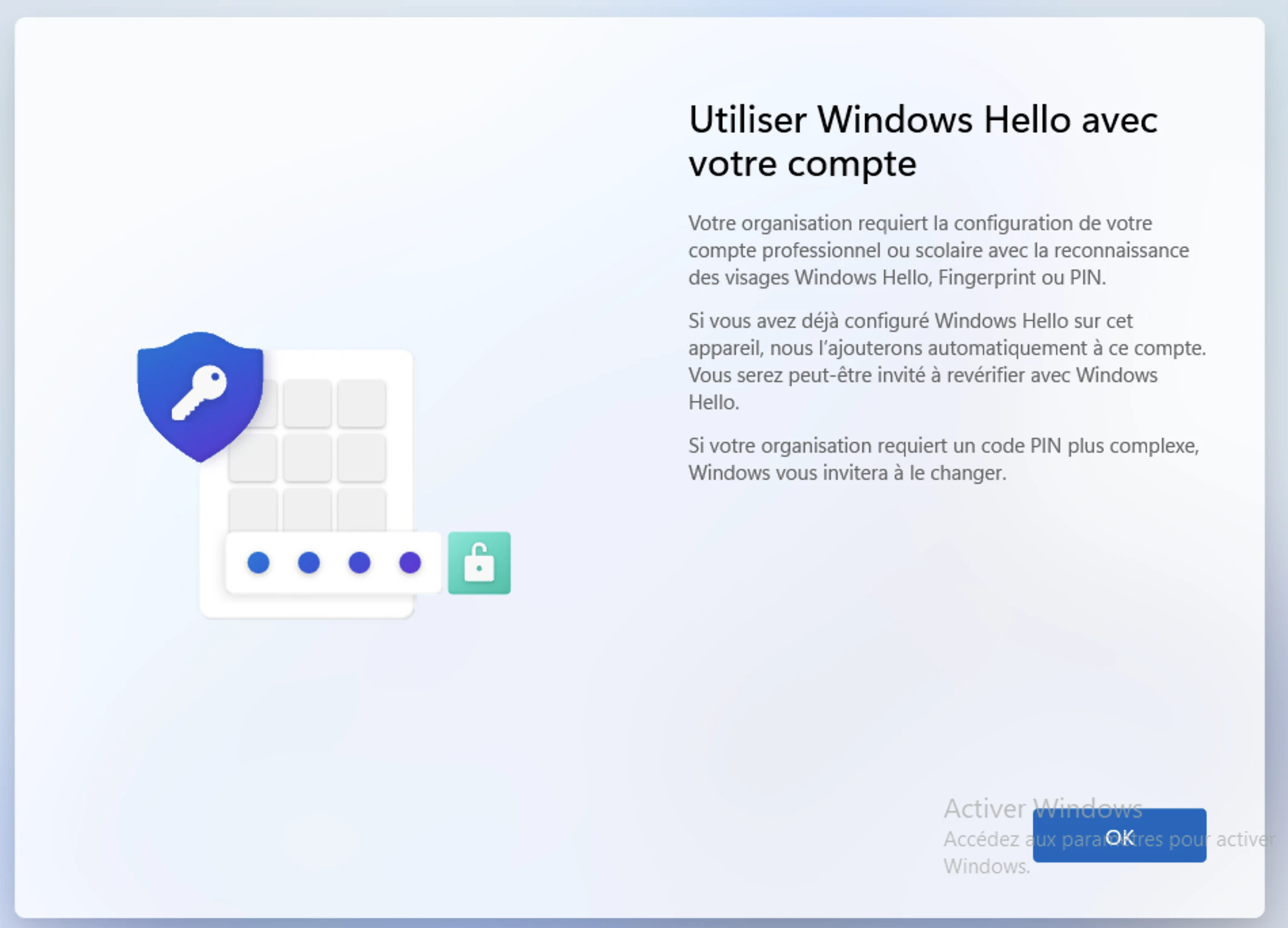
- Set up a PIN code and fingerprint (if supported)
- The device is ready — apps and policies defined in the dashboard are applied automatically
Introduction
Onboardings & Offboardings
Device Management
Endpoint Protection
Identity & SaaS Management
Global Purchasing
Enroll your devices
Setting up a Zero Touch Windows
Was this page helpful?
⌘I